Aap bas scan karo...

Review likh dega

Review Likhna Ab Easy Hai — AI Hai Na.

  1. Scan
  2. Ai draft
  3. Copy
  4. Paste
  5. Review
A friendly Ai robot illustrates the review journey: a customer scans a QR code, generates an Ai-assisted review, shuffles and chooses a draft, and copies it. The customer opens Google, pastes the review and posts it themselves. Stars then rise from the phone to celebrate. This demonstration does not post a real Google review automatically. The animation plays automatically while visible. Focus the video and press Space or Enter to pause or resume. Reduced motion displays a static preview.
  • Grocery shops
  • Iron & steel shops
  • Offices
  • Shopping malls
  • Dry cleaners
  • Restaurants
  • Cafés
  • Bakeries
  • Sweet shops
  • Hotels
  • Salons
  • Spas
  • Clothing stores
  • Boutiques
  • Jewellery stores
  • Shoe stores
  • Hardware shops
  • Electrical shops
  • Mobile stores
  • Electronics shops
  • Furniture stores
  • Home décor stores
  • Pharmacies
  • Clinics
  • Dental clinics
  • Hospitals
  • Gyms
  • Yoga studios
  • Schools
  • Coaching centres
  • Bookstores
  • Stationery shops
  • Florists
  • Gift shops
  • Pet stores
  • Veterinary clinics
  • Car dealerships
  • Garages
  • Bike showrooms
  • Car washes
  • Real estate offices
  • Travel agencies
  • Event planners
  • Photography studios
  • Tailors
  • Laundries
  • Printing shops
  • Local service businesses

Ignoring reviews is like turning customers away at your door

Give customers an easier way to share their experience. With Ai Review, they scan your QR, choose their services and edit an Ai-assisted draft before posting it themselves on Google.

  • Lost Trust

  • Lost Sales

  • Lost Customers

How it works

Bas QR scan karo, Ai se review banao aur Google par share karo.

  1. Step 1

    Scan the QR code to get started.

    Scan or Tap. A short illustrative explanation that plays automatically. Focus the video and press Space or Enter to pause or resume. Your reduced-motion setting keeps the preview static. This demonstration does not generate a real review, access your clipboard or post to Google.
  2. Step 2

    Let Ai draft a review you can edit.

    Ai Drafts a Review. A short illustrative explanation that plays automatically. Focus the video and press Space or Enter to pause or resume. Your reduced-motion setting keeps the preview static. This demonstration does not generate a real review, access your clipboard or post to Google.
  3. Step 3

    Copy, paste & post it yourself.

    Copy, Paste & Post. A short illustrative explanation that plays automatically. Focus the video and press Space or Enter to pause or resume. Your reduced-motion setting keeps the preview static. This demonstration does not generate a real review, access your clipboard or post to Google.

Stop Losing Customers Because of Bad or Missing Reviews

Why Ai Review

A simpler path from visit to review.

Customers share what happened in their own words—with Ai there to help.

  • Branded QR
  • Service-based drafts
  • Editable words
  • Private feedback
  1. Start with a scan

    Customers scan your QR and choose the service(s) they actually used.

  2. Shape a personal draft

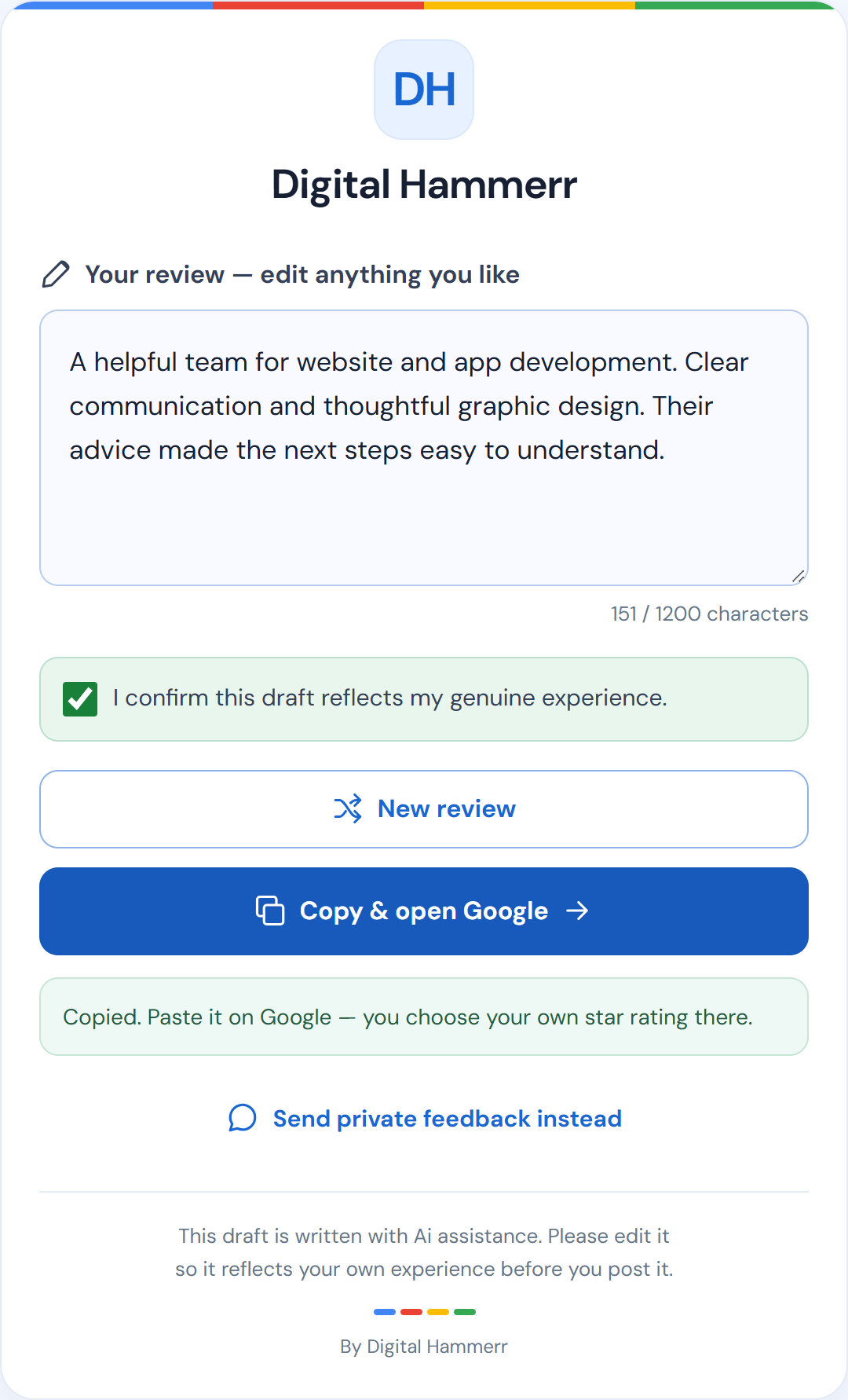
    Ai helps turn their selections into an editable draft they can make their own.

  3. Customer decides

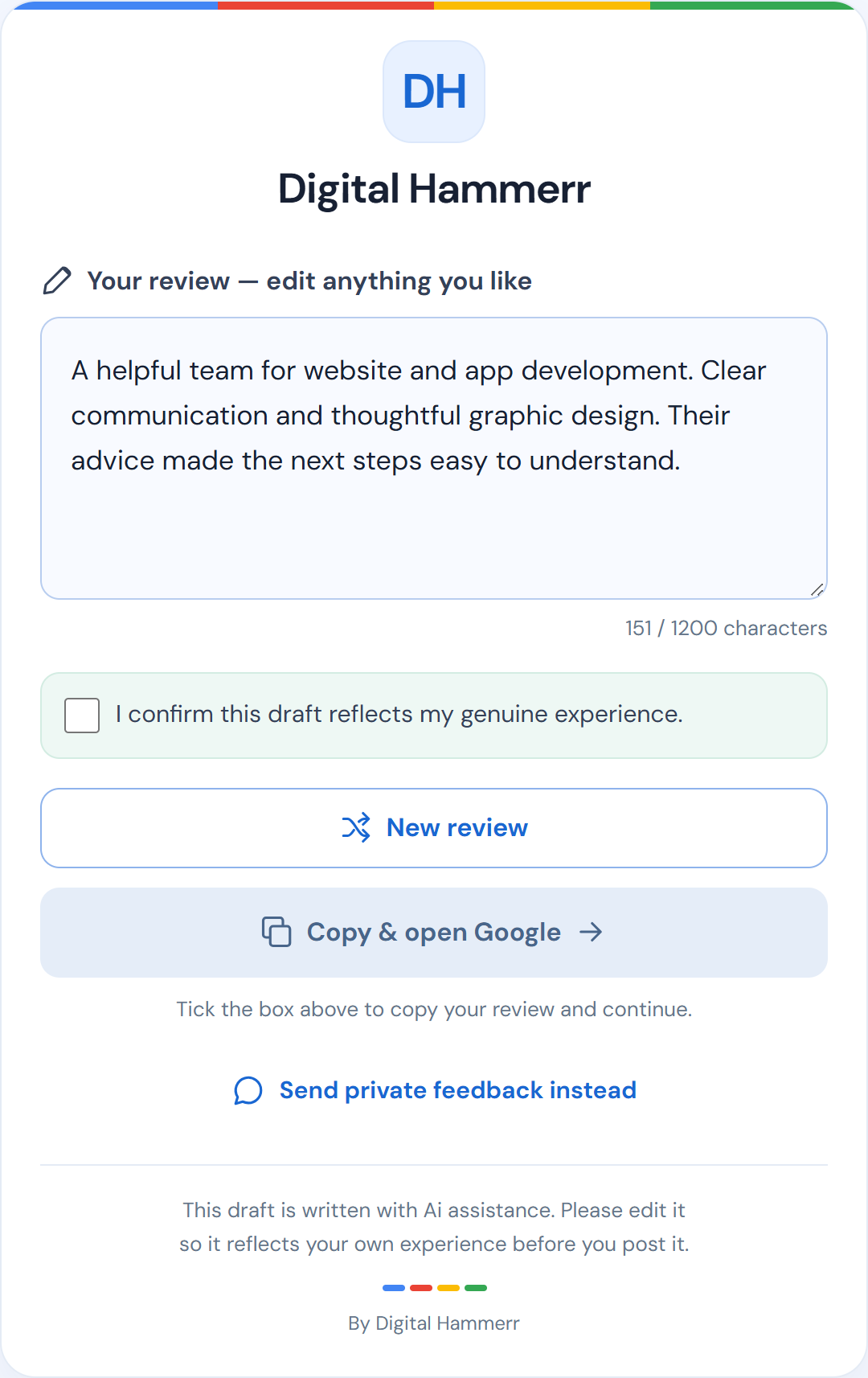
    They can copy and post their review on Google or send private feedback. Nothing posts automatically.

Two people talking across a local shop counter

Illustrative draft preview, not a customer result.

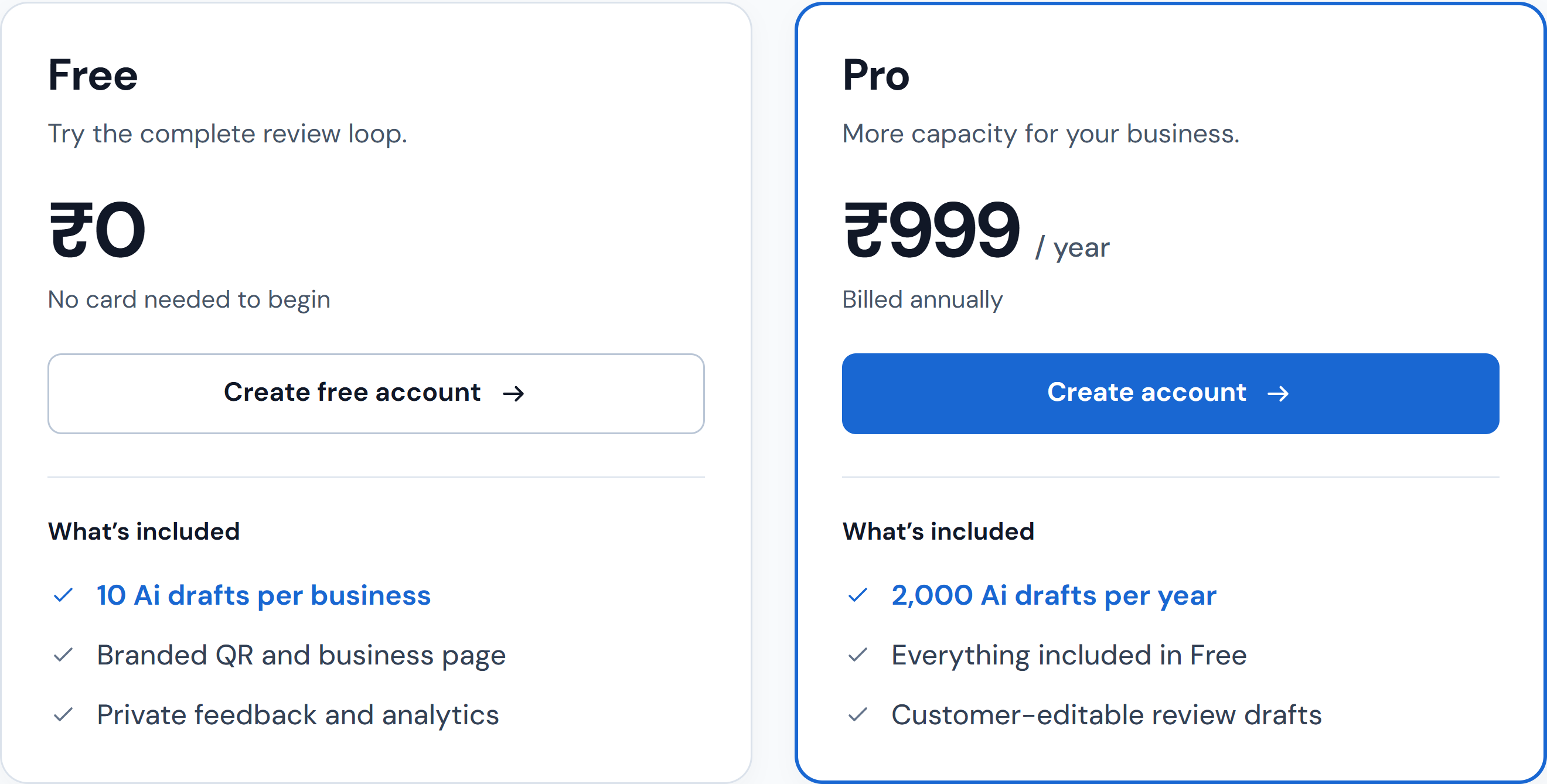
Simple pricing. Built for your business.

Start with Free. Upgrade when you need more.

Help your customers share reviews on Google with our Ai review assistant

Ai drafts. Customers edit. They choose what to post.

Friendly waving Ai robot representing the editable review draft assistant

Better
reviews for
a brighter
tomorrow.

FAQ

Everything you need to know about Ai Review.

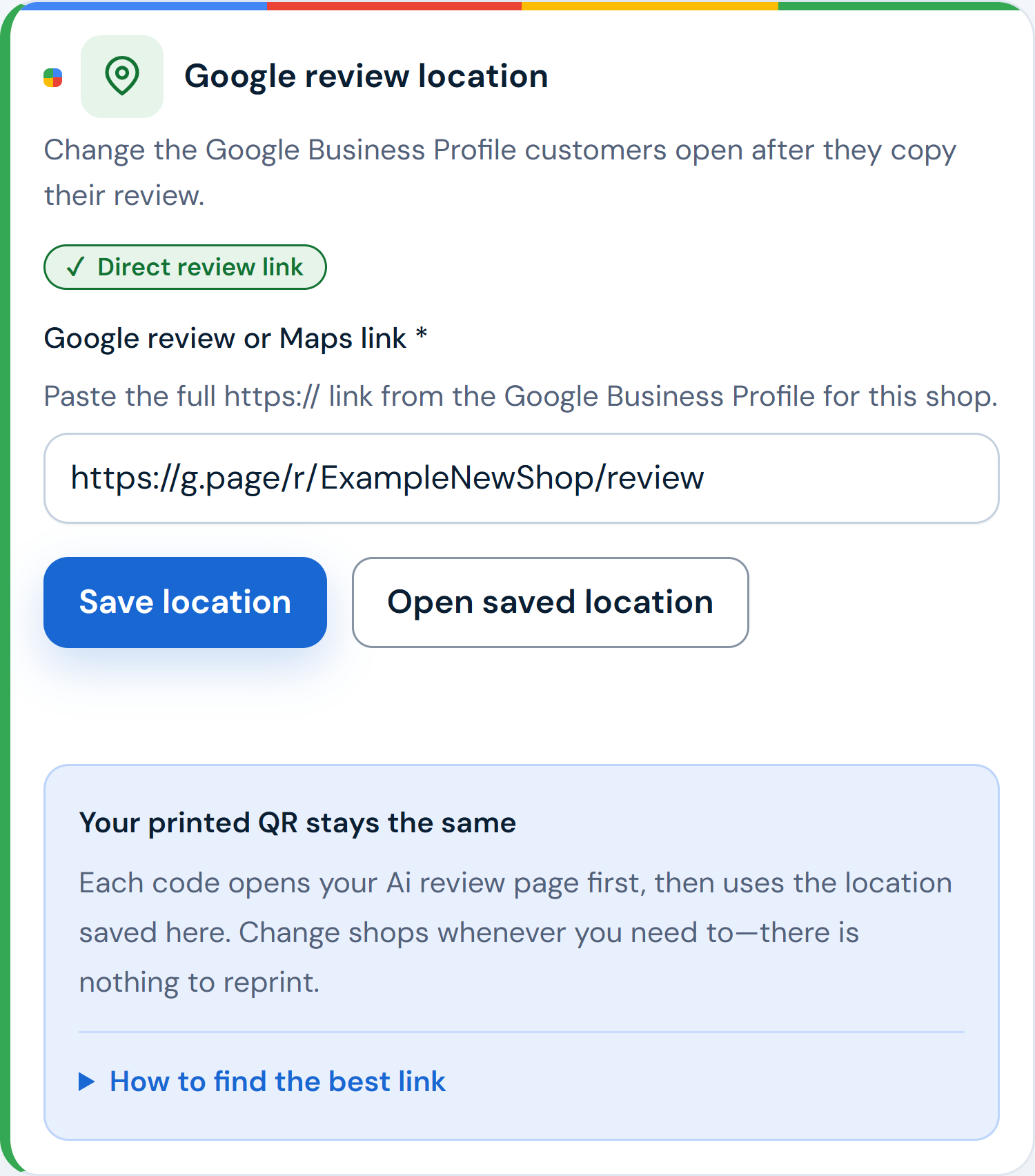
Create your account, add your business details and Google review link, then download your branded QR.
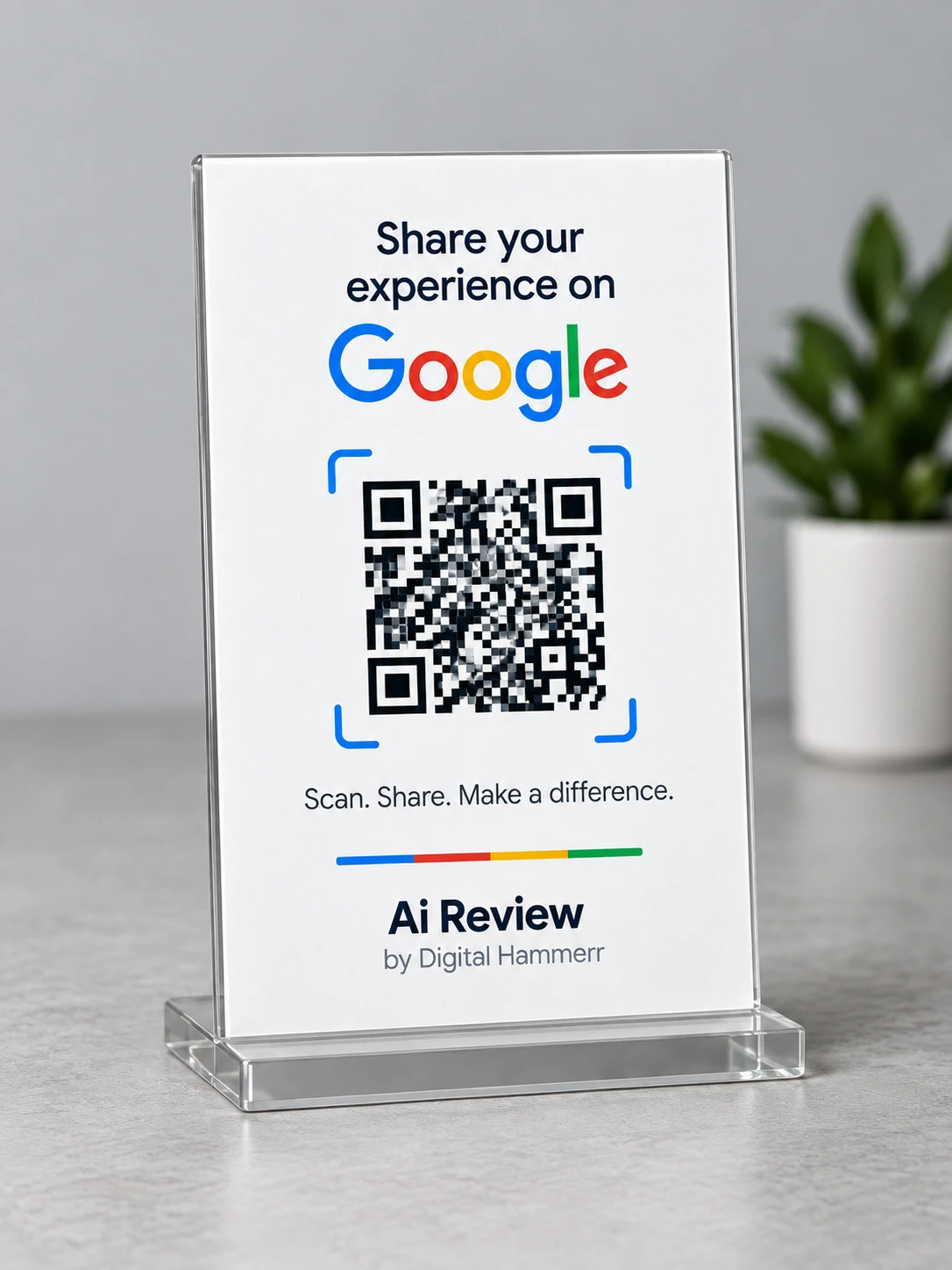
Illustrative QR counter display

Illustrative QR counter display